
Stripe makes it easy to accept payments and create invoices. Accounting starts a second process. Invoices, customer data, tax treatment, refunds and fees need to arrive in Lexware Office in a way that remains understandable.
That handover is where InvoiceSync comes in. We did not build the product to create yet another data stream. It is designed to make a recurring month-end workflow easier to review, repeat and understand.
The real problem sits between the systems
A Stripe invoice and a document in Lexware Office may look like the same set of data. In practice, a simple copy does not answer several important questions:
- Does the contact already exist or should it be created?
- Which tax treatment fits the country, customer type and available VAT ID?
- Was the invoice refunded or corrected?
- Does an error affect one document or the whole transfer?
- Should the document be finalized immediately or reviewed as a draft?
- Will the month-end run still be understandable several weeks later?
Companies with very few invoices can resolve these points manually. As volume grows, the work becomes the same focused routine every month. The effort grows not only with document count, but also with the number of exceptions.
Why we chose a controlled monthly workflow
Many automations react immediately to an event. A payment arrives and another action is triggered. That can be the right model. For accounting close, we deliberately chose a different approach.
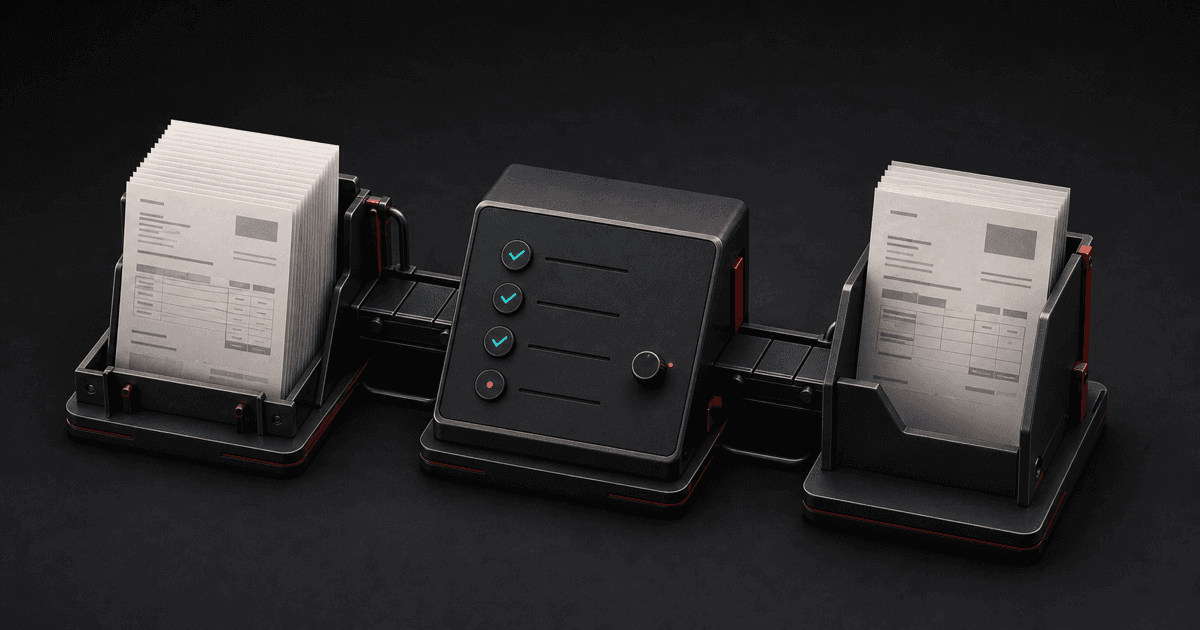
InvoiceSync loads the invoices for a selected month, prepares the relevant data and shows the state before transfer. Users can review amounts, contacts and tax assignment. Supported documents can first be created as drafts in Lexware Office.
Review is not the opposite of automation. It is part of it. Good automation removes repeatable work and makes exceptions visible instead of hiding professional decisions.
Our detailed guide to the Stripe and Lexware Office monthly workflow explains the individual steps and review points in German.
What we deliberately do not promise
InvoiceSync does not replace tax advice or professional document review. The product handles supported standard cases with transparent rules and highlights points that still require attention.
Stripe fees are not simply another customer invoice either. The original fee document remains the relevant record. A summary can support reconciliation, but should not be presented as a replacement for that document.
Being explicit about these limits matters to us. A financial workflow does not become trustworthy by claiming that every exception is fully solved.
Which connection fits which company?
There is no single right solution for every business. A manual workflow can be sufficient for very few documents. Make or Zapier can support individually designed triggers and actions. Other specialized providers focus on continuous full automation. A custom API integration offers maximum freedom, but also requires ongoing development, monitoring and maintenance.
InvoiceSync is particularly suited to companies that want to process Stripe invoices as a monthly batch and review them before transfer.
We summarized the differences in a neutral comparison of Stripe and Lexware Office integrations. Companies that first want to measure their manual workload can use the free Stripe and Lexware time cost calculator.
What we learned while building it
The most important product principle was not maximum automation, but understandable automation. Three rules followed from that decision:
- A user should be able to see what will happen before a final action.
- Errors and exceptions should be named specifically instead of disappearing behind a general status.
- A product should explain its professional limits as clearly as its features.
These principles apply far beyond accounting software. Whenever two systems exchange sensitive business data, transparency, repeatability and a clear review point matter more than an impressive automation percentage.
InvoiceSync is available with a 14-day free trial. The guides, calculator and month-end checklist can be used freely before making any decision.