
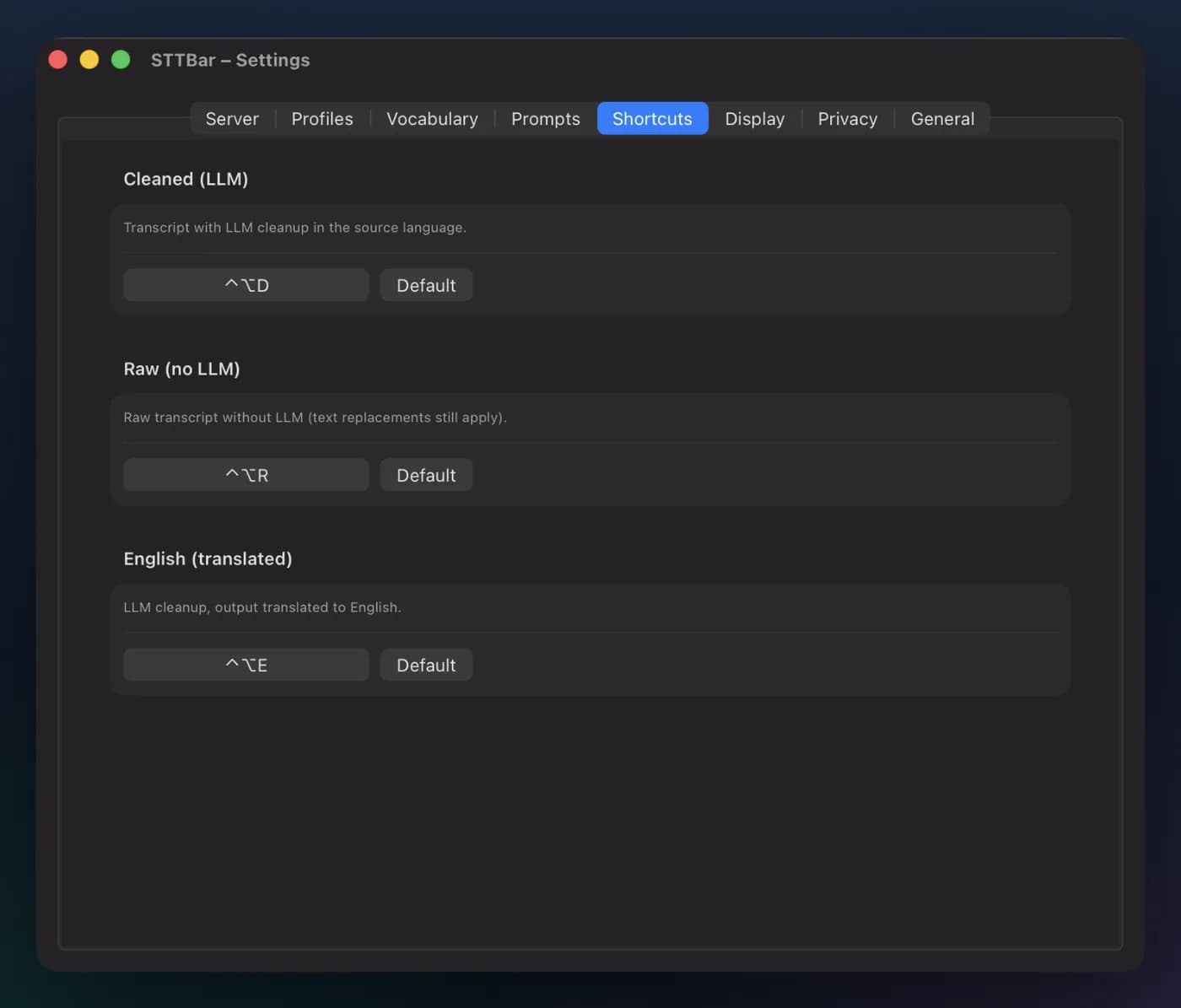
Three hotkeys, three results
The hotkey you press decides what gets inserted.
- Cleaned-up text: no filler words, clear structure.
- Raw transcript: exactly what you said.
- English output: speak German, paste English.
Mac app by ProjectMakers
Voice to text in any app.
Press a shortcut, speak, press again. The text appears where your cursor is. Speech recognition runs on your Mac or on a server of your choice.
€1.99 on the Mac App Store or free on GitHub
Fix the redirect after login. It currently sends users to the wrong page.
macOS 14 or later, Mac with Apple silicon.
Turns speech into text, in any app, right where your cursor is.
Press a hotkey, speak, press again. Runs in the menu bar.
No account, no tracking. Fully offline on your Mac or with servers you choose.
Cleanup with a language model, local or through OpenRouter, English output, replacements for names and technical terms.
€1.99 on the Mac App Store, free from source on GitHub.
How it works
How it works
Press the hotkey and talk, the way you would explain the task to a colleague. The overlay shows a live waveform.
Spoken: so um i think we should rework the login flow first store the session in local storage no wait in a cookie then fix the redirect after login and after that please update the auth tests
Cleaned up: Rework the login flow: 1. Store the session in a cookie. 2. Fix the redirect after login. 3. Update the auth tests.
Worked example
Say you work with a coding agent all day and write it prompts. Set your own numbers and see how much time goes into typing.
You save
Typing: 100 words ÷ 40 words/min = 02:30 min
Speaking: 100 words ÷ 130 words/min = 00:46 min, plus 00:03 for transcription and cleanup = 00:49 min
Assumptions: speaking at 130 words per minute, 1 second of transcription and 2 seconds of cleanup per prompt, 20 work days per month. Actual times depend on hardware, server and model.
When you talk, it is easier to explain why something should happen, what you already tried and what must not happen. That is exactly what an agent needs.
Before the text reaches the agent, it goes through the cleanup: no filler words, self-corrections resolved, steps numbered.
The cleanup does not need a large cloud model. STTBar is tested with Qwen3.5 9B in LM Studio. If the model runs on your side, your text stays with you. If you prefer a hosted model, enter OpenRouter or another OpenAI-compatible service with an API key.
Features
The hotkey you press decides what gets inserted.
On the device, STTBar uses WhisperKit and suggests a model that fits your Mac’s memory. No internet connection needed.
Or enter the URL of a Whisper server: on a computer in your network, for example with the included Docker Compose file, or on a server on the internet, with an API key if it needs one.
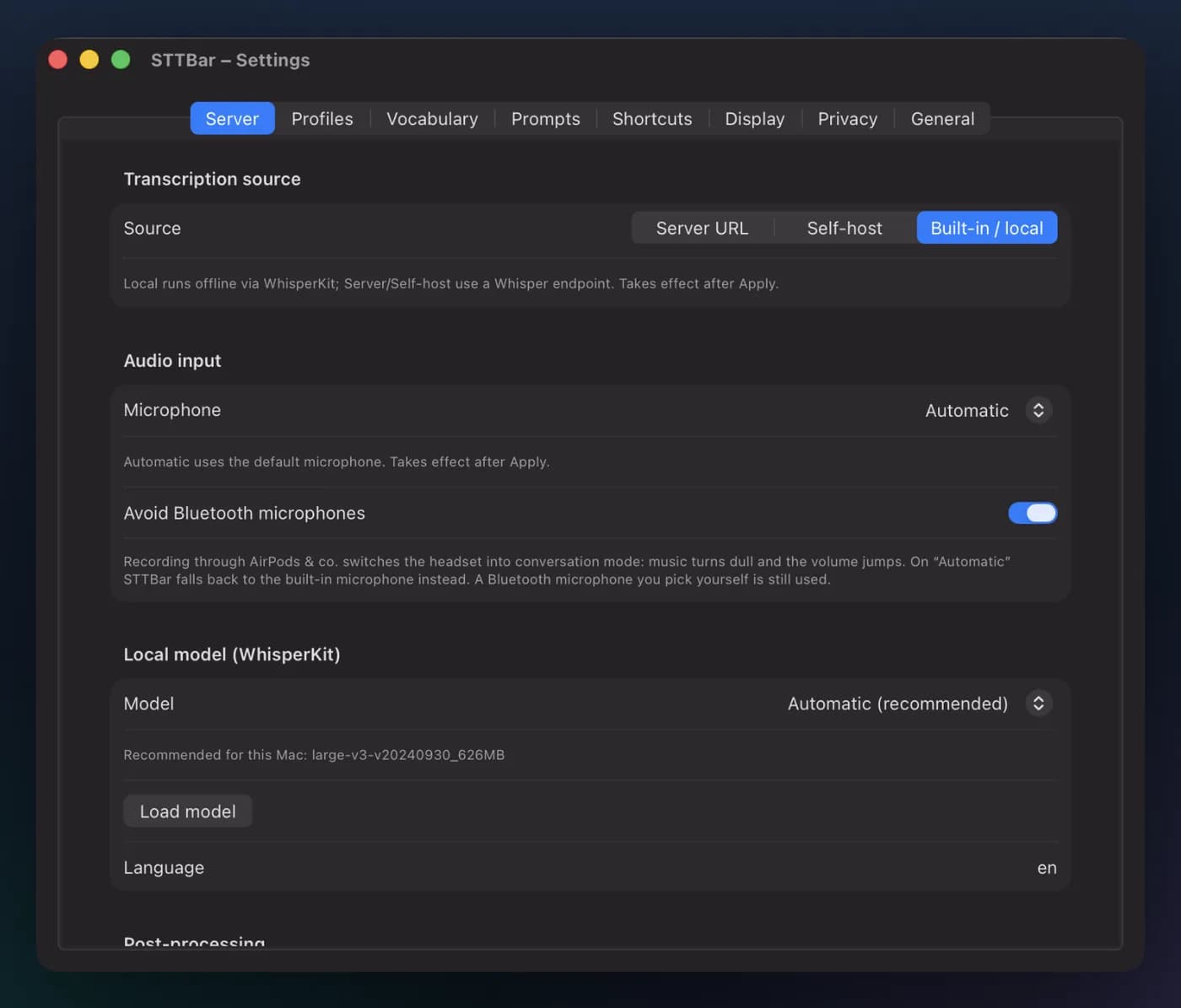
If you like, the text goes through a language model before it is inserted: locally, for example in LM Studio or Ollama, or hosted through OpenRouter and other OpenAI-compatible services. Filler words disappear and the text gets a clear structure.
If the model is not reachable, you get the raw transcript.
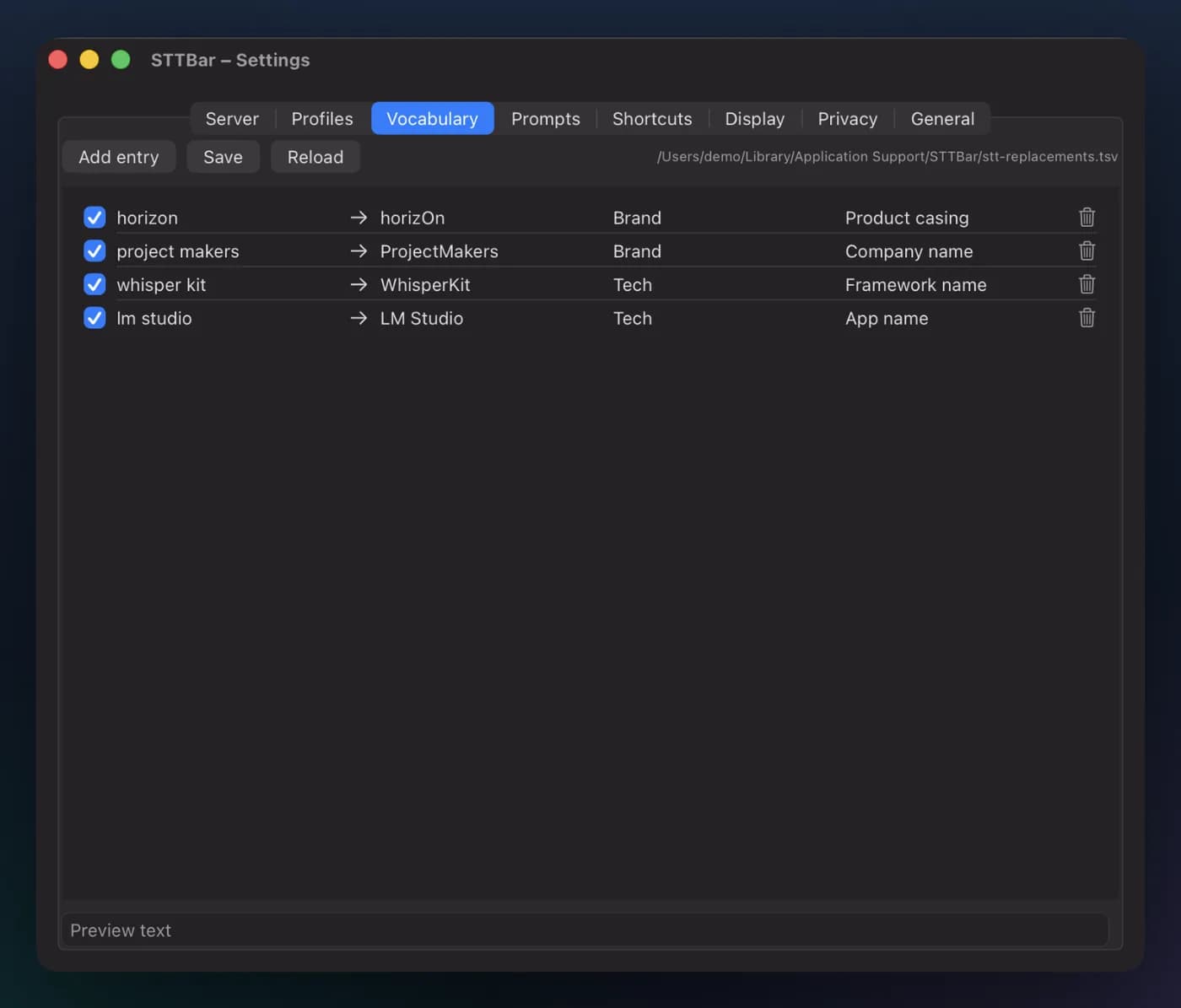
Add word replacements for names and technical terms. STTBar applies them to every dictation, including the raw transcript.
Privacy
No account, no subscription, no ads. Recordings and texts only leave your Mac if you enter a server or service yourself. API keys stay in your Mac’s keychain.
Read the privacy policyThe history has its own privacy controls. In sensitive mode STTBar never stores a dictation at all.
STTBar needs access to the microphone and to Accessibility. Accessibility is used only to insert the text into the active app.
From the Mac App Store, or free from source.
Buy once, no subscription.
Build STTBar from source or download a notarized build from the releases on GitHub.
License PolyForm Shield 1.0.0: free to use, also in companies. Reselling is not allowed.
Questions or found a bug? Tell us on GitHub
STTBar is a product of ProjectMakers. For our clients we build custom software. More about software development