
A Mac app by ProjectMakers

MboxHarbor
Your mail archive. In PST.
Turn MBOX archives into a PST file on your Mac. MboxHarbor transfers supported messages, folders and attachments, with clear feedback when content cannot be converted safely.
macOS 14 or later · Apple Silicon and Intel
€4.99 once on the Mac App Store. No subscription.
App Store publication is pending.
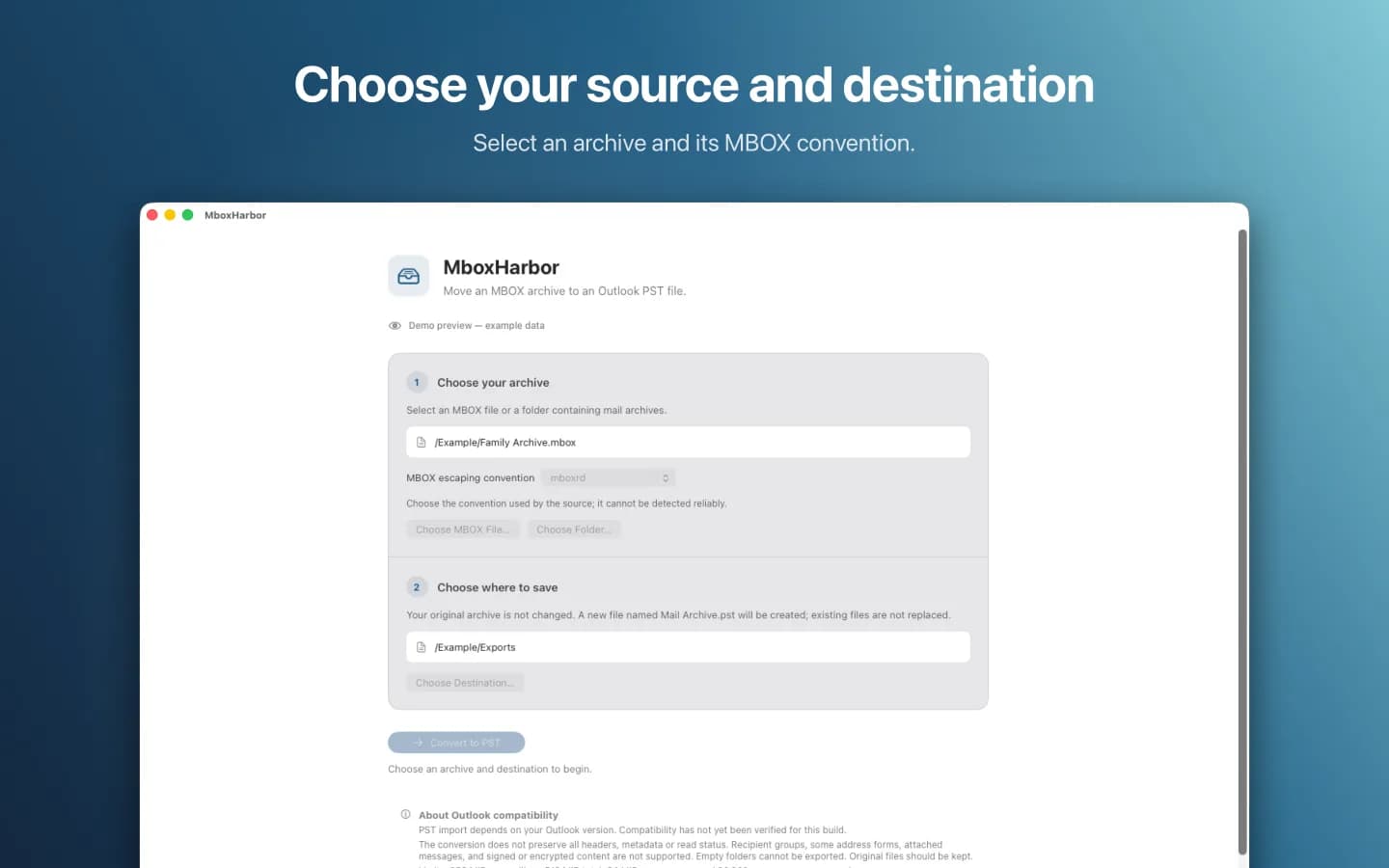
From archive to file
Three steps to your PST.
The macOS file dialogs put you in control of source and destination. MboxHarbor creates a new file and never replaces an existing output.
- 01
Choose an archive
Open an MBOX file or a folder containing supported mail archives. Select the MBOX escaping convention used by your source.
- 02
Pick a destination
Choose an output folder outside the archive. Close your mail app so the source stays unchanged during conversion.
- 03
Convert and check
Start the conversion. MboxHarbor creates Mail Archive.pst, shows progress and notices, and identifies unsupported content. Check the result in your version of Outlook.
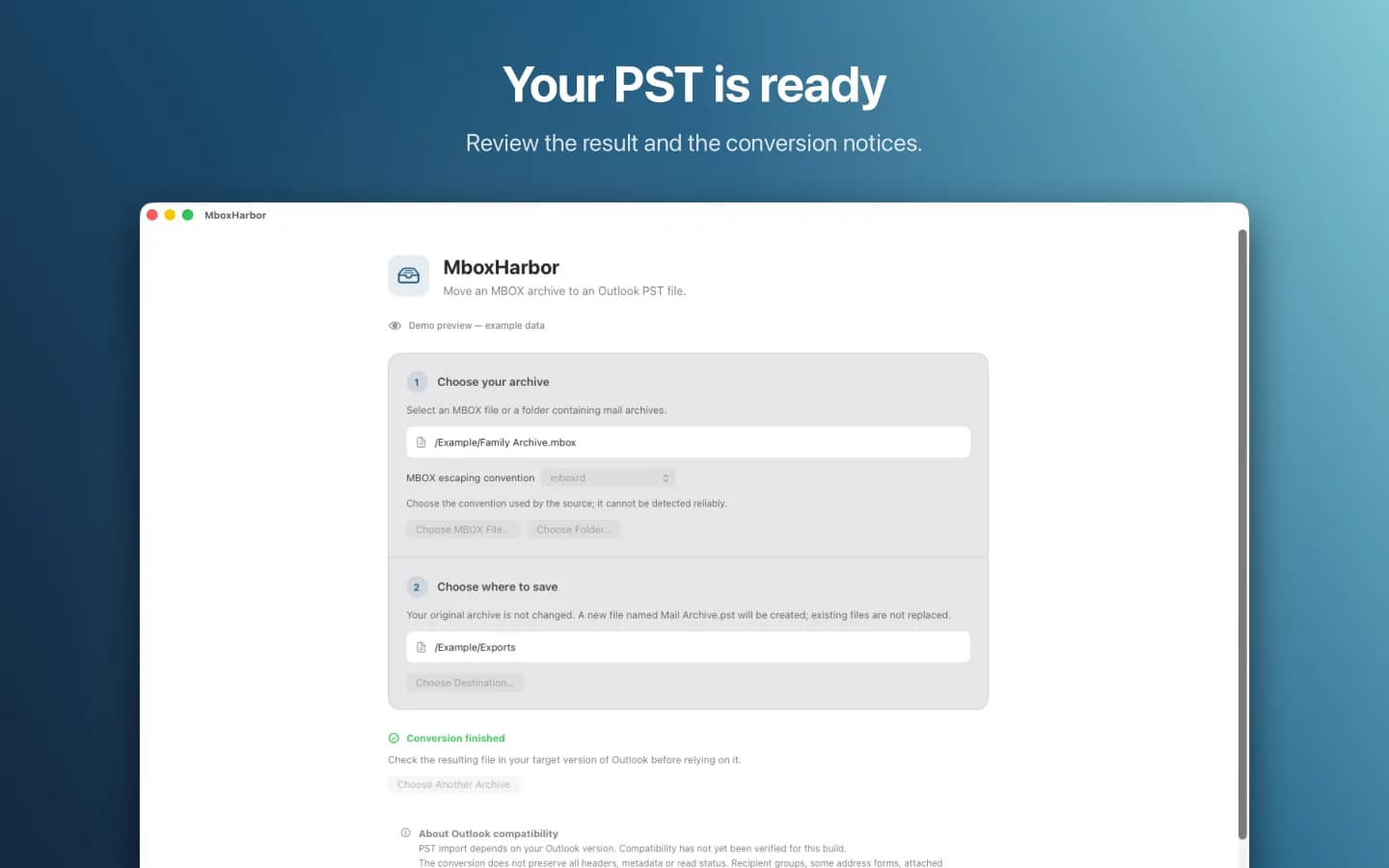
A result you can inspect
Move messages with their attachments.
MboxHarbor transfers supported folders, senders, recipients, subjects, dates, message text and attachments. To, Cc and Bcc recipients present in the source retain their roles. Reply references and the original transport headers are stored in the PST.
Detected source changes or unsupported messages stop the conversion. In those cases, no incomplete PST is published to the destination. Keep your original archives.
Your messages stay with you
Local. Without an account.
Conversion takes place on your Mac. MboxHarbor does not upload mail archives, require an account, or use analytics or advertising services. You choose the source and destination through the macOS file dialogs.
MboxHarbor privacy policyA fit for your archive?
- Supports MBOX using mboxrd or mboxo escaping and supported Apple Mail and Thunderbird folder layouts. Select the convention used by the source.
- Up to 256 MiB per mailbox, 512 MiB in total, 64 MiB per message and 20,000 messages per conversion. Each mailbox may contain at most 2,000,000 lines.
- Recipient groups, some address formats, attached messages, signed or encrypted content, and empty folders are not exported.
- Not all headers, metadata or read states are retained. The message date is used as the received date. Output is not split automatically.
- PST import depends on your Outlook version. Import in Outlook for Mac has not been verified. Check the messages and attachments before relying on the result.
Before you convert
Which archives can I select?
A single MBOX file or a folder with supported MBOX mailboxes. MboxHarbor recognizes supported Apple Mail MBOX packages and Thunderbird layouts, including subfolders. It reports unknown files and folder names that cannot be represented safely.
Does MboxHarbor change my original files?
No. It reads the selected archives and creates a new Mail Archive.pst in your chosen destination. An existing file with that name is never replaced.
Do I need Outlook on my Mac?
Outlook is not needed for conversion. Opening or importing the PST requires an Outlook version with suitable PST support. Import in Outlook for Mac has not been verified.
Is every message transferred without loss?
Not every type of content or property is supported. Messages are reconstructed, some formats stop the conversion, and not all metadata or read states are retained. MboxHarbor displays these limitations. Keep the original archive and inspect the output.
Are my emails sent to a server?
No. Conversion runs locally and does not need a network connection. An account or subscription is not required either.
Need to convert PST to MBOX or individual EML files? Take a look at PSTBridge.
Support from ProjectMakers
Help with your mail archive.
Have a question about MboxHarbor or a conversion problem? Contact [email protected].
Include your macOS version, the source of the MBOX and the error message shown. Please do not send mail archives, messages or other private content.