
A Mac app in development
MailFolio
Keep email readable. Keep track of the source.
MailFolio is being developed to combine selected messages and archives into a searchable PDF on your Mac. A table of contents helps you find messages, while source files remain available for later inspection.
Planned price in the German Mac App Store: €9.99 once. No subscription or account.

A closer look
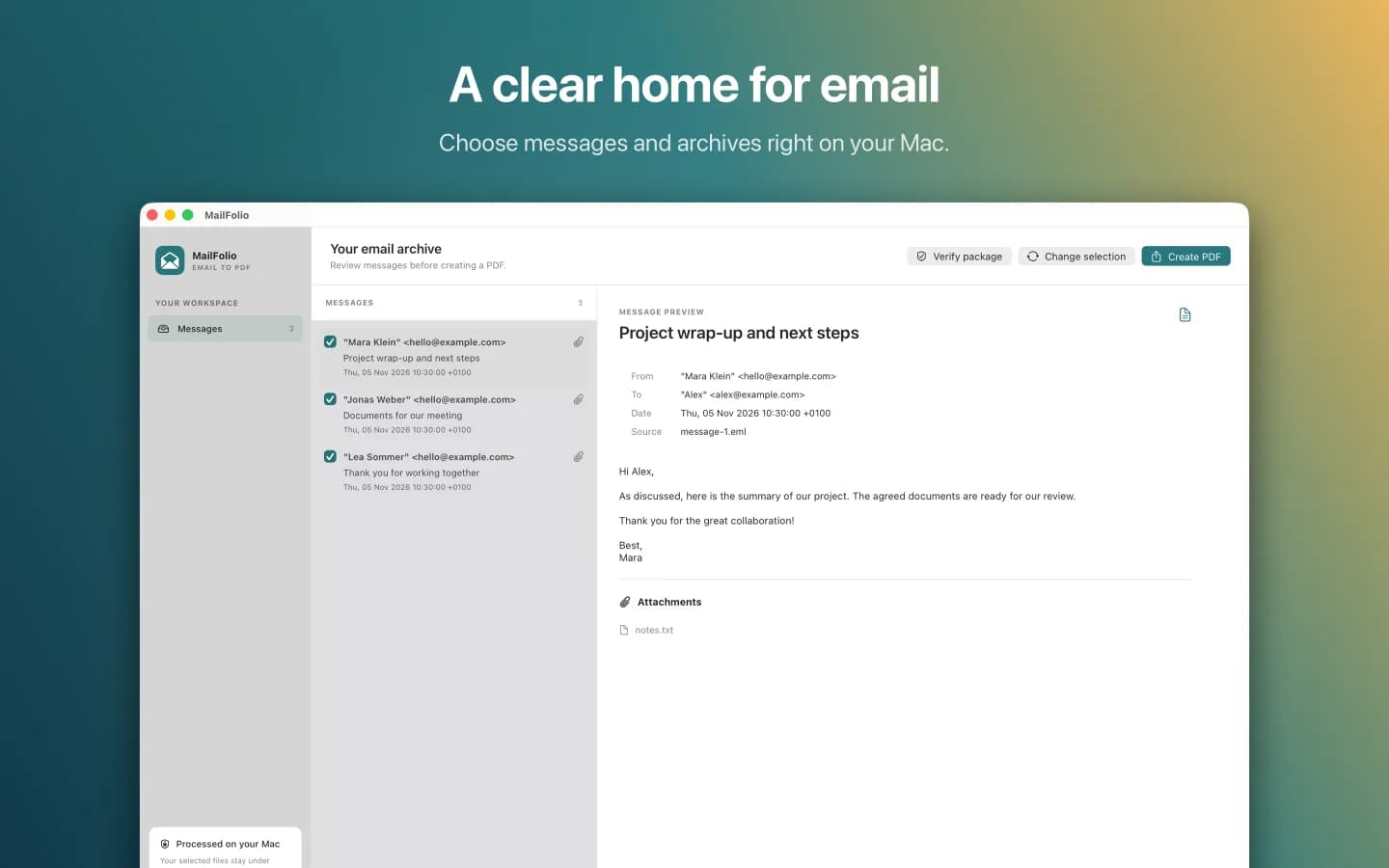
Review messages before export
The workflow
From selection to a traceable export
- 01
Choose files
The regular import supports up to 256 MiB in total. A separate mode handles MBOX files up to 2 GiB and 10,000 candidates. That mode supports at most 16 MiB of raw data per candidate and a restricted set of MIME formats. Selected unsupported candidates are recorded in the report and the entire source is retained.
- 02
Create a PDF
Messages are prepared as a searchable PDF with a table of contents. A combined PDF embeds the corresponding source files. For individual exports, the complete MBOX is kept once in the export package, not in every PDF. HTML messages are rendered as approximate text. Available inline images remain attachments and do not appear in their original positions in the PDF.
- 03
Review the outcome
An export report records what was processed and any errors encountered.
Traceability
Notice changes later
A signed manifest and checksums are intended to reveal changes to an export. Keep the signing key fingerprint separate from the export in a protected place.
Without an independently protected reference, a substituted signature cannot be detected reliably.
What a PDF cannot prove
An export does not prove that a mailbox was captured in full or establish the original sender’s identity. It does not include a trusted external timestamp. PDF/A and EA-PDF conformance have not been independently validated.
Records integrity and legal suitability depend on the complete process, including protected storage, access control, backup, restoration, retention periods, and deletion.
Common questions
Before you archive
Which files can I select?
MailFolio processes EML files and MBOX archives. Variants, line endings and message boundaries differ. Review the report to see which messages were processed or rejected.
What happens to attachments and e-invoices?
Supported attachments and structured invoice data are retained alongside the sources for inspection. The report identifies detected issues. Missing or external data cannot always be detected.
How do I check an export later?
Keep the displayed fingerprint separately in a protected place. You can use it in MailFolio to check the signed package for changes later.
Does the PDF replace a compliant archive?
No. A PDF or signature alone proves neither complete capture nor the sender’s identity. A suitable retention process also needs access controls, backups and deletion periods.
Your files stay local
Processing is designed to work without an account or mandatory cloud service. Store confidential exports in an encrypted location with appropriate access controls.
App privacy policyQuestions about MailFolio?
Contact us with questions about the app or processing your files.
[email protected]